
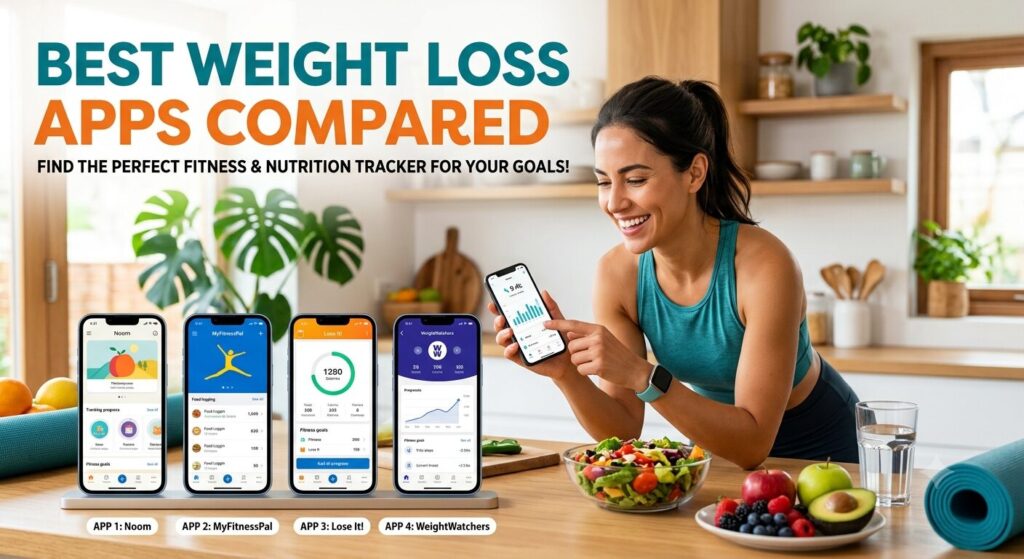
If you’ve ever downloaded a weight loss app, used it enthusiastically for four days, then quietly deleted it three weeks later — you’re not alone, and it’s not a willpower problem. It’s usually a fit problem. The wrong app for your habits, schedule, or psychology will feel like friction from day one, no matter how many features it packs in.
The weight loss app market has gotten crowded. Calorie counters, AI photo-logging tools, behavior-change coaches, fasting timers, and GLP-1 medication trackers all compete for the same “lose weight” search intent — but they solve genuinely different problems. Someone who overeats because of stress needs a different tool than someone who just wants a fast, accurate calorie count.
This guide breaks down the most credible, widely-used weight loss apps on the market today, based on how they actually perform on tracking accuracy, coaching depth, pricing, and long-term adherence — not just feature lists. We’ll help you find the one that matches how you actually eat, move, and think about food.
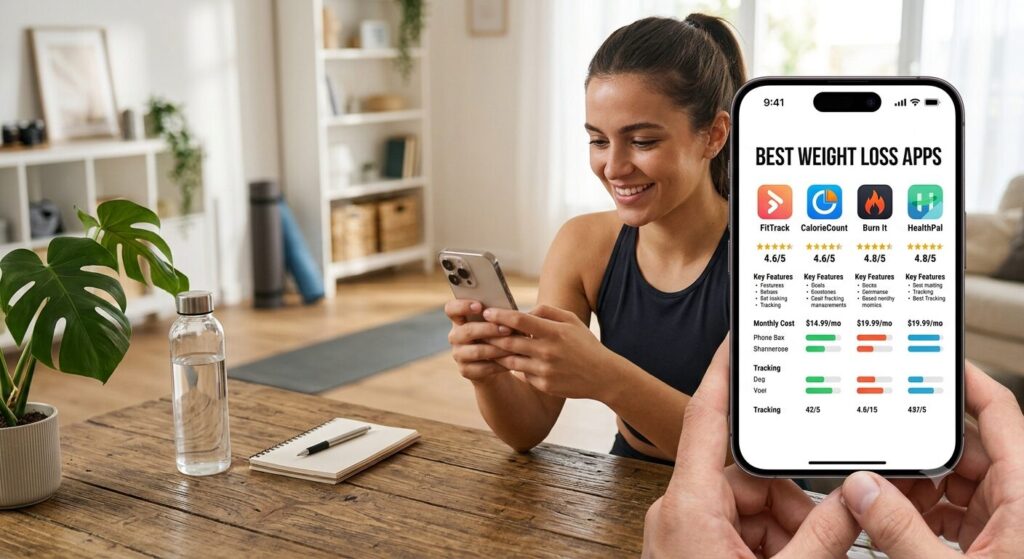
Quick Comparison Table
| App | Best For | Core Approach | Starting Price |
|---|---|---|---|
| Noom | Behavior change & emotional eating | Psychology-based coaching (CBT-style) | ~$70/month (varies by plan length) |
| MyFitnessPal | Precise calorie/macro tracking | Food database + logging | Free; Premium ~$19.99/month |
| WeightWatchers (WW) | Structured support + community | Points-based system, no calorie math | Plans vary; often insurance-eligible |
| Lose It! | Beginners who want simplicity | Straightforward calorie counting | Free; Premium ~$39.99/year |
| Cronometer | Micronutrient precision, medical diets | Detailed nutrient tracking | Free; Gold tier available |
| Simple | Intermittent fasting + light workouts | Fasting timer + AI coaching | Free; Premium subscription available |
| Fitbit App | Passive activity tracking | Wearable-based movement data | Free with device |
Note: pricing and features change often, so always confirm current numbers on the app’s official site or app store listing before subscribing.
In-Depth Reviews
1. Noom — Best for Behavior Change
Noom’s whole premise is that weight loss is 80% psychology and 20% food. Instead of just logging calories, it walks you through daily lessons designed to help you understand why you eat the way you do, using cognitive-behavioral-therapy-style techniques, color-coded food categorization, and human coaching support.
Pros:
- Strong evidence base for addressing emotional and habitual overeating
- Large food database (over a million items)
- Human coach check-ins and community groups
- Well-suited for people who’ve lost weight before and regained it
Cons:
- Daily reading/lessons can feel time-consuming for busy users
- More expensive than basic calorie trackers
- Less useful if your main issue is nutrition precision, not psychology
Pricing: Subscription-based, typically billed monthly or annually; per <cite index=”7-1″>Noom includes cognitive behavioral therapy strategies, daily support tools, a database of over 1 million food items, meal plans built by registered dietitians, and more than 1,000 interactive lessons</cite>.
Best for: People whose weight loss struggles are tied to stress eating, boredom eating, or a cycle of losing and regaining weight, and who want structured coaching rather than a bare-bones tracker.
2. MyFitnessPal — Best for Calorie & Macro Tracking
If your bottleneck isn’t motivation but accuracy — you exercise regularly but the scale won’t budge — MyFitnessPal remains the gold standard for logging precision. <cite index=”9-1″>MyFitnessPal has been around since 2005 and has the largest food database of any tracking app, with over 14 million verified entries as of early 2026</cite>. <cite index=”9-1″>Its barcode scanner works on roughly 90% of packaged foods in the United States and Canada, and scanning a box of cereal takes about three seconds</cite>.
Pros:
- Largest verified food database on the market
- Fast barcode scanning and recipe-import tools
- Solid free tier covers core tracking needs
- Syncs with most major wearables
Cons:
- Not a workout program on its own — you’ll need to pair it with a training plan
- Some crowdsourced entries can still be inaccurate
- Minimal built-in behavior coaching
Pricing: Free tier available; Premium unlocks advanced macro breakdowns and ad-free tracking.
Best for: People who already understand the “calories in, calories out” model and want maximum control and precision over their nutrition data.
3. WeightWatchers (WW) — Best for Structured Support
WW has evolved well past its original points-counting reputation into a hybrid coaching platform. <cite index=”8-1″>WeightWatchers uses “Points” that signify each dish’s nutritional value, which removes the emphasis on counting calories directly and prioritizes nutrient-dense foods</cite> — though <cite index=”8-1″>this system doesn’t let you view macros for each individual meal, which can be a drawback for people with specific protein or carb targets</cite>.
Pros:
- Simplifies decision-making with a points system instead of raw calorie math
- Access to dietitians and a large community forum
- Now offers tiers with medical support, including GLP-1 medication coordination
- <cite index=”8-1″>Often covered by insurance plans</cite>
Cons:
- Membership fee is a bigger investment than app-only competitors
- Less granular macro data than dedicated tracking apps
- Workshops and higher tiers add cost
Pricing: Multiple plan tiers exist (points-only, workshops, medically supported plans); confirm current pricing directly with WW, since it varies by tier and region.
Best for: People who want built-in accountability, community support, and a simplified system — especially those exploring medically supervised weight loss.
4. Lose It! — Best for Beginners
Lose It! strips weight loss tracking down to the essentials: log your food, see your calorie balance, adjust as needed. It’s a strong on-ramp for people who’ve never tracked anything before and don’t want to be overwhelmed.
Pros:
- Clean, beginner-friendly interface
- Fast food logging, including AI photo recognition on newer versions
- Generous free tier
- Good for simple, no-frills calorie awareness
Cons:
- Fewer behavior-coaching tools than Noom or WW
- Community and coaching features are lighter
- Best suited to people who are already fairly self-directed
Pricing: Free with optional Premium subscription for advanced tracking and reports.
Best for: First-time trackers who want a low-friction entry point into calorie awareness without a steep learning curve.

5. Cronometer — Best for Nutrient Precision
Where MyFitnessPal wins on database size, Cronometer wins on depth. It tracks micronutrients — vitamins, minerals, amino acid profiles — which matters for people managing medical conditions, restrictive diets, or specific performance goals, not just total calories.
Pros:
- Extremely detailed nutrient breakdowns, not just macros
- Popular among keto, medical, and performance-focused users
- Strong integration with fitness trackers
Cons:
- Steeper learning curve for casual users
- Overkill if you just want simple calorie tracking
- Logging can take longer than AI-first apps
Pricing: Free tier available; Cronometer Gold adds custom tracking features and recipe tools.
Best for: People on medically supervised, restrictive, or performance diets who need micronutrient-level accuracy.
6. Simple — Best for Intermittent Fasting
Simple leans into fasting-based weight management rather than pure calorie counting. <cite index=”2-1″>It includes an AI coach for real-time, psychology-informed guidance, structured workout plans, habit and fasting tracking, and a Home Screen widget with Apple Health and Apple Watch integration</cite>.
Pros:
- Purpose-built for fasting schedules, with a visible fasting timer widget
- Syncs cleanly with Apple Watch and iPhone
- <cite index=”4-1″>Weaves short workout prompts into the same daily flow as fasting and food tracking</cite>
Cons:
- <cite index=”1-1″>Intermittent fasting is not sustainable for everyone, and it’s not necessary for weight loss</cite> — it’s a tool, not a requirement
- Free version is limited; advanced features sit behind a paywall
- Less nutrition education depth than a full diet program
Pricing: Free version available; premium personalized plans require a subscription.
Best for: iPhone/Apple Watch users interested in structuring their eating window rather than counting every calorie.
7. Fitbit App — Best for Passive Activity Tracking
Fitbit isn’t a dedicated weight loss app, but it plays a supporting role well. It shines at tracking steps, movement, and long-term trends automatically, syncing that data into whichever food-tracking app you pair it with.
Pros:
- Reliable, passive activity and trend tracking
- Minimal daily effort required
- Syncs well with other nutrition apps
Cons:
- Food logging is a secondary feature, not a strength
- Requires a compatible wearable device
- Limited standalone coaching
Pricing: Free with a Fitbit device; some premium trend features require a subscription.
Best for: People who already track food elsewhere and want a passive “sidekick” for activity and movement data.
Pricing at a Glance
Pricing on these apps shifts often (subscription tiers, regional pricing, and promotional periods all vary), so treat the numbers below as directional and always check the current listing before you commit:
- Free tier available: MyFitnessPal, Lose It!, Cronometer, Simple, Fitbit
- Subscription required for full experience: Noom, WW (medically supported tiers)
- Insurance-eligible in some cases: WeightWatchers
Who Each App Is Best For — At a Glance
- You emotionally eat or regain weight after losing it → Noom
- You want maximum control over your nutrition numbers → MyFitnessPal
- You want community, accountability, and possibly insurance coverage → WeightWatchers
- You’ve never tracked anything before → Lose It!
- You’re on a medical or restrictive diet → Cronometer
- You want to try eating-window structure over calorie math → Simple
- You already track food and just need better activity data → Fitbit
Frequently Asked Questions
Do weight loss apps actually work? Yes, when paired with consistent use. <cite index=”5-1″>A landmark study by Burke et al. (2011) published in the Archives of Internal Medicine found that adherence to self-monitoring is the single strongest predictor of weight loss success</cite>, and <cite index=”5-1″>a systematic review by Hutchesson et al. (2015) in Obesity Reviews, analyzing 84 studies, found that technology-based weight loss interventions improved outcomes by 74% compared to non-technology controls</cite>. The app matters less than whether you actually stick with it.
Do I have to count calories to lose weight? No. <cite index=”6-1″>Research including the DIETFITS trial, the Stanford diet comparison, and multiple mindful eating randomized controlled trials all show significant weight loss in populations that never counted a single calorie</cite>. What matters more is a consistent structural approach to what and how much you eat.
How fast should I expect to lose weight with an app? <cite index=”1-1″>A safe and sustainable rate is roughly 1 to 2 pounds per week</cite>. Apps that promise dramatically faster results are usually promoting unsustainable approaches.
What if I exercise regularly but still can’t lose weight? <cite index=”1-1″>If you exercise regularly but can’t lose weight, your bottleneck is almost certainly nutrition</cite> — meaning a precision tracking app like MyFitnessPal or Cronometer may help more than a new workout plan.
Are these apps safe to use with GLP-1 medications like Ozempic or Wegovy? Some apps, including WeightWatchers, now offer plans specifically built around GLP-1 support and protein monitoring. If you’re on a GLP-1 medication, talk with your prescribing doctor before adopting any new tracking or diet app, since medication can change your calorie and nutrient needs.
Should I talk to a doctor before starting a weight loss app? Yes — <cite index=”2-1″>talking with your doctor or another qualified healthcare professional before starting any weight loss plan is important, especially if you have existing health conditions, are pregnant or postpartum, or take medications that may affect weight or exercise tolerance</cite>.
Final Verdict
There’s no single “best” weight loss app — there’s only the best app for your specific bottleneck.
- If your struggle is psychological (emotional eating, yo-yo dieting), Noom is the strongest pick.
- If you want raw tracking precision, MyFitnessPal or Cronometer will serve you better.
- If you want built-in accountability and possibly insurance support, WeightWatchers is worth a look.
- If you’re brand new to tracking, start simple with Lose It!
- If fasting structure appeals to you more than counting, Simple is a solid entry point.
The research is consistent on one point: the app that works is the one you’ll actually keep using past week three. Pick based on your real habits, not the flashiest feature list.
Ready to Actually Stick With It This Time?
Download one app from this list today — not three. Trying to run multiple trackers at once is one of the fastest ways to burn out before you see results. Give it two weeks of honest, daily use before judging whether it’s working. Small, consistent tracking beats a perfect plan you abandon by Friday.
This article is for informational purposes only and is not a substitute for professional medical advice. Consult your doctor before starting any new weight loss program, especially if you have existing health conditions or take medications that affect weight or metabolism.